Two-Factor Authentication: How It Works and Which Method Is Safer
Two-factor authentication asks for something beyond your password before letting you in, so a stolen password on its own is not enough. The part that gets skipped is that the methods are not equally strong: a code by text message, a code from an app, and a physical security key defend against different attacks. This guide compares them, explains which accounts to protect first, and says clearly why keeping the weakest method is still far better than turning protection off.

What two-factor authentication is
Two-factor authentication means proving who you are with two different kinds of evidence instead of one. The FTC describes the three categories as something you know, such as a password, something you have, such as a phone or a key, and something you are, such as a fingerprint or a face scan.
The point is not that a password is bad. It is that passwords leak, in breaches at companies you signed up with years ago and in messages built to look like a sign-in page. A second factor means the leaked password lands in a criminal’s hands as half a key.
You may see the same thing called multifactor authentication, MFA, or two-step verification. In everyday use they mean the same idea. CISA asks people to turn it on for every account that offers it, and singles out email, banking, and social accounts as the ones to do first.
The methods, from weakest to strongest
Five methods are common, and they fail in different ways. Ranked by how much work it takes for a criminal to get past them, the order runs roughly from a code by text message at the bottom to a security key or passkey at the top.
A code by text message or email
Easiest to set up, offered almost everywhere, and the one that can be redirected away from you. It is vulnerable to SIM swap, where a criminal moves your phone number to their device, and to a message that talks you into repeating the code.
A code from an authenticator app
A six-digit number that changes every 30 seconds, generated on the device itself. The FTC notes this is safer than a text, because the code is not tied to your phone number and cannot be diverted by a SIM swap. It can still be typed into a fake page.
A push notification you approve
Tap yes, and you are in. Convenient, and slightly better than a typed code in some respects, but it introduces its own failure: a stream of prompts sent at two in the morning until one gets approved by accident. Versions that show a matching number on screen are better than a plain yes-or-no tap.
A physical security key
A small device you plug in or tap. The FTC calls security keys the strongest method, because they do not use credentials a criminal can steal. There is no code to read, repeat, or mistype.
A passkey
The same underlying technology as a security key, stored on your phone, computer, or password manager and unlocked with your face, fingerprint, or device PIN. Covered in its own guide on passkeys and passwords.
Why a code by text message is the weakest of them
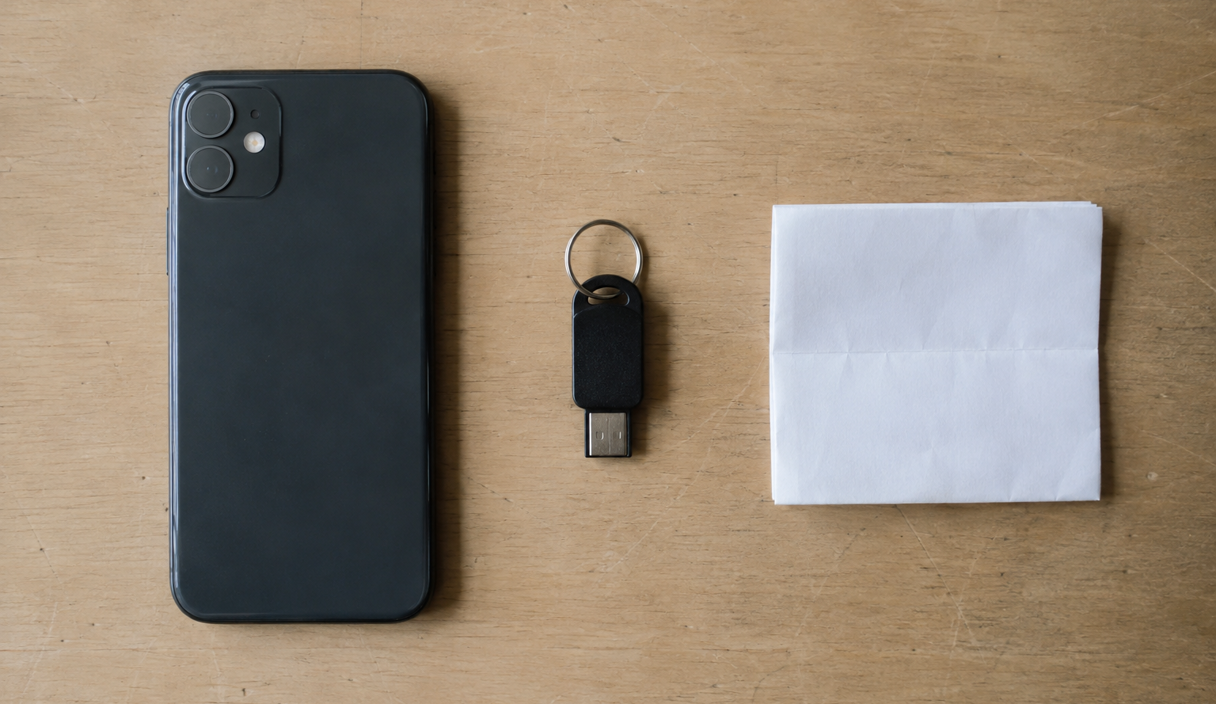
A text-message code is weaker because it is attached to your phone number rather than to your device, and a phone number can be moved. The federal digital identity guidelines treat this as a known limitation rather than a rumor.
NIST Special Publication 800-63B, Revision 4, published in August 2025, classifies out-of-band authentication over the public telephone network as restricted, and notes that NIST may change that status as the threat landscape evolves. Restricted means still permitted, with the risk acknowledged.
The practical route is the SIM swap. In February 2022 the FBI’s Internet Crime Complaint Center published a public service announcement on SIM swapping, reporting 1,611 complaints in 2021 with adjusted losses of more than 68 million dollars. Once the number is moved, the codes arrive on someone else’s device, and the FBI notes that criminals then use those codes on password reset and account recovery screens.
The second route needs no carrier at all. A fake sign-in page collects your password and your code, and passes both to the real site while you are still looking at the loading spinner. That works against typed codes from an app too, which is why the strongest methods remove the typed code entirely.
SMS is still much better than nothing
None of that is a reason to turn off the protection you already have. An account with text-message codes is meaningfully harder to break into than an account with a password alone, and the comparison that matters is with what you would have instead.
CISA says it in one line in its October 2022 fact sheet on implementing phishing-resistant MFA: any form of MFA is better than no MFA and will reduce the attack surface, while phishing-resistant MFA is the gold standard.
So the useful move is upgrade, not removal. Where an account offers an authenticator app or a key, switch. Where it only offers text messages, keep them on. Where it offers both, add the stronger one before removing the weaker one, so you never have a gap with no second factor at all.
The distinction people get wrong
A verification code is a second factor only when you type it into a page you opened yourself. A code you read back to someone who called, messaged, or emailed you is not a second factor. It is a password you handed over, and the request itself is the warning sign, no matter who the caller says they are.
What phishing-resistant means
A method is phishing-resistant when there is nothing for you to repeat, and when the credential refuses to work on the wrong website. Security keys and passkeys achieve both by using cryptography that is tied to the real site’s address, so a look-alike page gets nothing usable even if you are completely convinced by it.
That distinction is why NIST’s revised guidelines require phishing resistance at the highest assurance level and require it to be available as an option at the middle level. It is also why the FTC ranks keys above codes.
The everyday translation is short. With a code, the defense depends on you noticing the wrong address in time. With a key or a passkey, the defense does not depend on noticing anything, because the credential simply does not respond to a site it was not registered with.
Which accounts to protect first
Protect the accounts that can reset the others first. An attacker who holds your email rarely needs any of your other passwords.
- Your main email account. It is the reset path for nearly everything you own. If you do one thing this week, do this one.
- Your phone carrier account. An account PIN and a port-out lock protect the phone number that other accounts still trust.
- Your password manager. The vault is an account too, and it should take more than the master password.
- Banking, payment, and investment accounts. Use the strongest method each one offers, and check the alert settings while you are there.
- Accounts holding identity documents, such as tax, health, and benefits portals.
- Social and cloud storage, which hold the material used to impersonate you to other people.
How to turn it on
Every platform puts this in the security section of account settings, under a name like two-factor authentication, two-step verification, or sign-in and security. The official instructions are worth following rather than a screenshot from a forum, because the screens change.
For an Apple Account, Apple documents how two-factor authentication works and how to turn it on, including trusted devices and trusted phone numbers. For a Google Account, Google documents turning on 2-Step Verification. For a Microsoft account, Microsoft documents setting up a security key as a verification method.
Whichever you use, do three things in the same sitting. Add the new method. Save the backup codes somewhere that is not the phone. Only then remove the old method, if you are removing it at all.
Backup codes and losing the phone
Every service that offers two-factor authentication also offers a way back in, and that way back in is where people get stranded. Set it up on the day you turn the feature on, not on the day the phone goes in the river.
Most services generate a list of one-time backup codes. Print them or write them down and keep them with your important papers, not in a note on the device that holds the authenticator app. Many authenticator apps now sync between your devices, which solves the same problem differently. A second security key, kept at home, does the same for people using keys.
If the phone is already gone, the route back is usually the service’s account recovery process, which can take days and may ask for identity documents. If the number itself was taken rather than the handset, start with the carrier and read the SIM swap guide. If the handset is in your hand but behaving strangely, work through how to tell whether your phone is compromised before you reset anything, because the order matters.
What two-factor authentication does not stop
Two-factor authentication raises the cost of stealing an account. It does not make an account impossible to reach, and it does nothing at all against several common attacks.
It does not stop a payment you were persuaded to authorize, because you approved it. It does not stop a criminal already on your unlocked device. It does not protect an account whose recovery route is weaker than its front door, which is why a bank with a security key but a phone-based reset still has a phone-shaped weak point. And it does not stop a session that is already open, which is why signing out of unfamiliar devices matters after any incident.
What it does reliably is cut off the most common attack of all: someone typing a password from a breach list into a site you also used it on. Pair it with unique passwords from a password manager, and that whole category stops working.
Two-factor authentication FAQ
Which two-factor method is the safest?
A physical security key or a passkey. The FTC calls security keys the strongest method because they do not use credentials a criminal can steal, and NIST requires phishing-resistant methods at its highest assurance level. An authenticator app is the next best, and a code by text message is the weakest of the common options.
Should I turn off SMS codes if that is all a site offers?
No. CISA’s guidance is that any form of MFA is better than none. Keep the text-message codes, and switch to an app or a key wherever the site allows it. Add the stronger method before removing the weaker one so you are never left with no second factor.
What happens if I lose the phone with my authenticator app?
You use the backup codes you saved when you turned the feature on, a second device that syncs the same app, or a spare security key. Without any of those, you go through the service’s account recovery process, which can take days and may ask for identity documents.
Can someone get into my account even with two-factor turned on?
It is harder, not impossible. A convincing fake sign-in page can capture a password and a typed code in real time, an already-open session can sometimes be reused, and a weak account recovery path can bypass the front door entirely. Phishing-resistant methods close the first of those.
Is an authenticator app better than a push notification?
They are close. A push prompt that displays a matching number is roughly as strong as a typed code and easier to use. A plain yes-or-no prompt is weaker, because a flood of requests can lead to one being approved by mistake. Neither is phishing-resistant the way a key or passkey is.
Keep reading

Passkeys vs. Passwords: Which Is Safer and How the Change Works
Why a passkey cannot be phished, what happens if you lose the device, and how to start without breaking anything.
6 min readRead
SIM Swap Scams: Warning Signs, Immediate Steps, and Prevention
Losing signal for no reason can be the first sign. The carrier call, the account lock, and the port-out PIN.
6 min readRead

Password Managers: How They Work, Whether They Are Safe, and How to Choose
What the vault actually protects, the risk people worry about, and the features that decide a choice.
7 min readRead