How to Check If a Link Is Safe Before You Open It
To check whether a link is safe, read the full web address and confirm the domain through a source of your own before you open it. A padlock, an https address, a professional-looking page and the absence of any warning do not prove that the page belongs to the company it names. If the link arrived in a message you were not expecting, the safest move is not to use it at all.
Most dangerous links arrive inside a message built to look like a bank, a store or a government office. The article on what phishing is covers that whole scheme. This one is only about the link: how to read an address, which tricks hide where it goes, and what a link checker can and cannot tell you.
The parts of a web address
Before you open a link, find the part that starts after https:// and ends at the first slash. That is where the domain sits. Everything after the slash can point to a page inside the site, but it does not change who controls the address.
In account.example.com/sign-in, the domain is example.com. In example.com.another-site.net, the address belongs to another-site.net. A familiar word at the front pulls the eye away from the part that actually decides where you land.
Find the real domain
Read it slowly and look for swapped letters, extra words, unexpected hyphens and a different ending. An address that is almost the original can lead to a page built to copy the look of a service you already use.
The FTC’s advice on recognizing and avoiding phishing scams comes at it from the other side: the message tells a story about something ordinary, a package held up, an account locked, a payment that failed, and the story exists to get you to the link. If you do not already know the official address, look it up on your own instead of treating the message as your reference.
Tricks that hide where a link goes
Some addresses are assembled for someone reading in a hurry. The examples below use the “.example” ending, which is reserved for examples and has no real site behind it.
- The at sign in the middle of the address. In
https://[email protected]/tv, everything before the at sign is treated as a username and ignored when the page opens. The browser goes toflash-deals.example. The trick is an old one, and it keeps working because the browser is not making a mistake: the address really is written that way, and the familiar name in front of the at sign is there only to be read by a person. - Identical-looking letters from another alphabet. The Cyrillic “а” is drawn the same way as the “a” you are reading now, but to a computer it is a different letter, so the address is a different address. To make that harder, Chrome displays the address in an odd form beginning with
xn--when it finds a suspicious mix of alphabets, according to the Chromium documentation. An address that shows up that way in the bar is worth a second look. - The brand used as a subdomain. In
bank.example.customer-support.example, the familiar name sits at the front, but the owner of the address iscustomer-support.example.
See the destination before you open it
On a computer, rest the cursor on the link without clicking and read the address that appears in the corner of the screen. Gmail Help recommends exactly that: if the address does not match what the link claims to be, it can lead to a fake site.
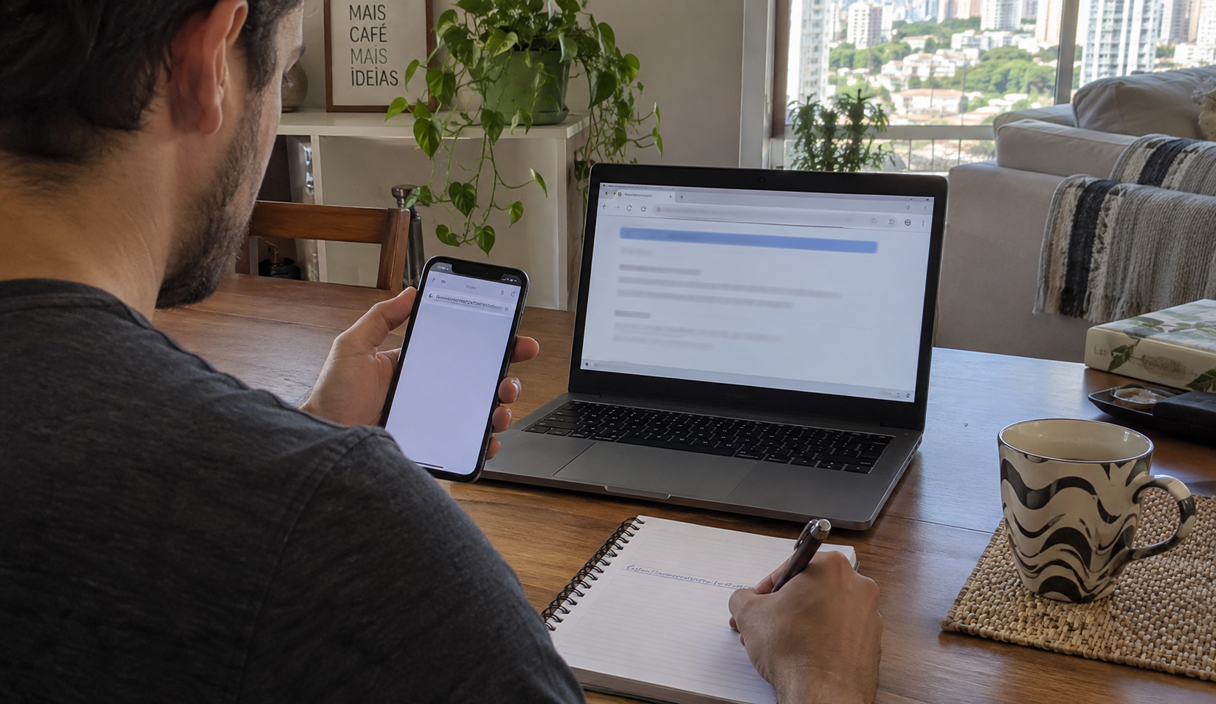
On a phone, press and hold your finger on the link, without letting go, until the full address or a menu showing it comes up. On some phones the same gesture opens a preview of the page as well. If that happens, do not tap anything inside the preview, and if you are worried about opening it by accident, leave the link alone and look the service up yourself.
A link that arrives by text or chat
In a messaging app, a link usually arrives with a preview: a picture and a headline. That preview is built from the page itself, and whoever builds a fake site chooses the headline and the picture that appear there. It tells you nothing about who owns the address.
A link from someone you know deserves the same reading, because the account may have been taken over, or the person may have forwarded the message without checking it. If the request involves money or personal information, call that person on the number you already had. In a text message the sender name can be imitated too, which is covered in what smishing is.
An example
In the family group chat, someone forwards a television deal with the link https://[email protected]/tv. Before tapping, Robert holds his finger on the link, reads the whole address and notices the at sign in the middle. The store’s name is there, but the page that would open belongs to another site. He types the store’s address into his browser himself and finds no such deal.
Shortened links and QR codes
A shortener replaces a long address with a short one, such as go-short.example/x7K2, and hides the destination until the link opens. Real companies use shorteners too, so a short link is not proof of anything by itself, but it does stop you from reading the domain. A QR code works the same way: it is just an address written in a form your camera can read. If the code turns up on a bill, a poster or a message you were not expecting, do not use your camera to find out whether it is genuine. Look the information up in the app or the site you already know, and see QR code scams for what to check first.
What the padlock does not prove
An https address means the connection between your browser and that site is encrypted, so the data travels scrambled. That matters, but a fake site can have https as well. It says nothing about whether the company named on the page owns it, whether the offer is real, or whether a payment would reach the right person.
You may not even see a padlock any more. Starting with version 117, released in September 2023, Chrome replaced the padlock in the address bar with a settings icon on computers and on Android, and removed it on iPhone. The announcement from the Chromium team explains why: few people understood what the padlock meant, and almost every phishing site already displayed one. When a connection is not protected, the browser still warns you.
Looks do not settle it either. Copying colors, photos and text from a page is easy. A polished site can belong to someone else, while a legitimate page can look plain.
Link checkers and where they stop
Some sites compare an address against lists of dangerous addresses that are already known. You copy the link, without opening it, and paste it into the checker.
| Checker | What it does | What to watch for |
|---|---|---|
| Google Safe Browsing site status | Says whether Google currently considers the site dangerous | A brand-new site may not be on the list yet |
| VirusTotal | Compares the address against dozens of antivirus engines and blocklists | The report becomes available to other users of the service |
The Google Safe Browsing site status page shows whether an address is flagged as dangerous. Google says it finds thousands of new dangerous sites every day, many of them legitimate pages that were broken into. VirusTotal explains that results are shared with its partners and its community, and that submitted content can be reached by paying customers.
So two cautions. First, no warning is not the same as approval: it only means that address has not made it onto the lists yet, and a fake site created yesterday can come back clean. Second, do not paste a link that carries your own information, such as your name, an account number, a code or a password-reset address, because it can end up visible to other people.
When it is better not to open it
Nobody is obliged to test every link they receive. If the message is about a bank, a delivery, a purchase, a benefit or a locked account, open the service yourself instead. Look for the problem inside your own account, and check the name of whoever would receive any payment. If the link leads to a store or a sign-up form, it is worth finding out who is behind it before you pay, which is what how to spot a fake website walks through.
If you already opened it
If you only loaded the page and typed nothing, close it, and do not download files or accept permission prompts. If you entered a password, change it through the official address, and if you used that same password elsewhere, change it in those places too. If you downloaded a file or allowed an installation, stop doing anything financial on that device until you have reliable technical help.
If money already moved, call your bank or card issuer right away and say the payment was fraudulent, because what can be done depends heavily on how fast you report it. A card charge can often be disputed; an instant transfer, a wire or a payment app transfer is much harder to pull back, and the step-by-step is in what to do after an instant payment scam. Then report it to the FTC at ReportFraud.ftc.gov and to the FBI’s Internet Crime Complaint Center.
Link safety FAQ
Is there a site that says for certain whether a link is safe?
No. Checkers compare an address against lists of dangerous addresses that are already known. A warning is a good reason not to open it, but the absence of a warning only means that address has not reached those lists yet.
I opened the link but did not type anything. Am I at risk?
Usually the risk is much smaller, but it depends on what happened next. If you entered no information, downloaded nothing, installed nothing and accepted no permissions, close the page. If you did any of those things, follow the steps in the section on what to do after opening a link.
Is a link sent by someone I know safe?
Not necessarily. Their account may have been taken over, or they may have forwarded the message without checking it. Read the address the same way you would any other, and if the subject involves money or personal information, confirm it with them by phone.
Is a shortened link always a scam?
No. Companies use shorteners too. The problem is that a short address hides the destination, so if the link came in a message you were not expecting, look the service up yourself instead of opening it.
Sources
The tools and browser behavior described here were checked on September 22, 2026 on these pages:
- Federal Trade Commission: how to recognize and avoid phishing scams
- Google: Safe Browsing site status
- VirusTotal: how the service works
- Chromium blog: replacing the lock icon with a settings icon
- Chromium: how Chrome displays addresses with letters from other alphabets
- Gmail Help: avoid and report phishing emails
- Federal Trade Commission: ReportFraud.ftc.gov
Keep reading
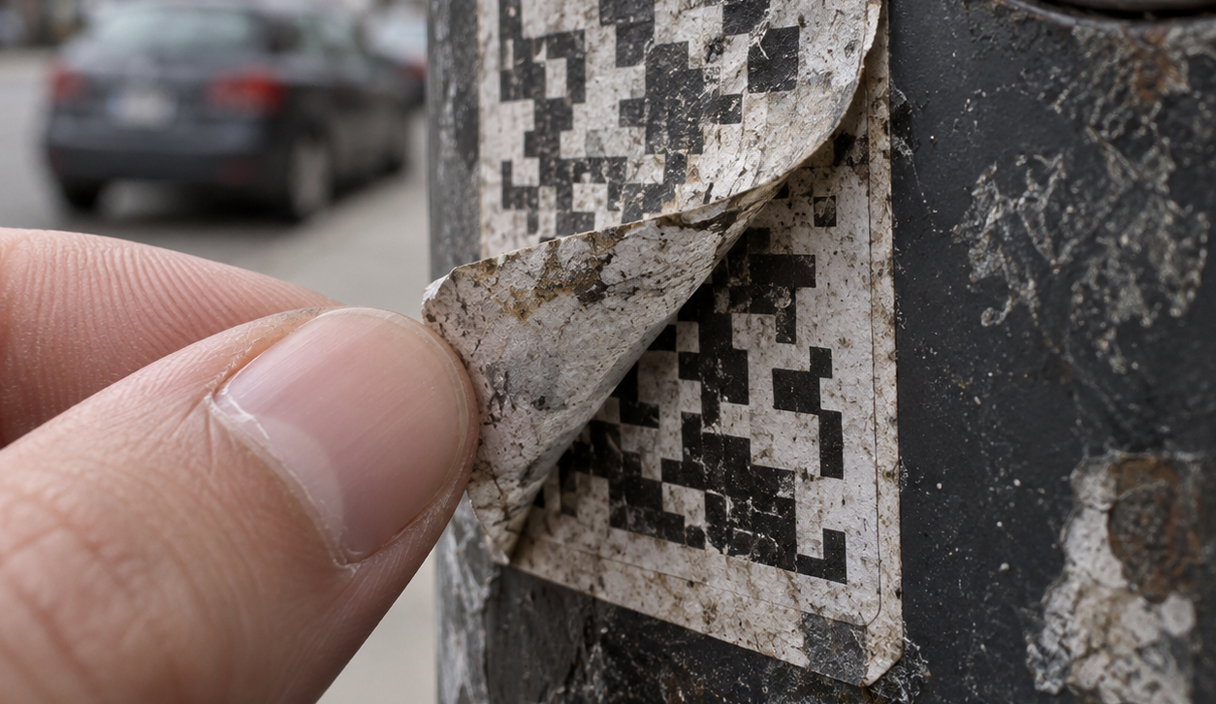
QR Code Scams: How to Check a Code Before You Scan or Pay
A sticker over a real code, a code in an unexpected message, and the check that takes two seconds.
9 min readRead

Online Shopping Scams: How to Check a Store Before You Buy
The checks that expose a fake store in a few minutes, and the payment method that protects a purchase.
9 min readRead

How to Report a Scam and Try to Recover Your Money
Where to report, in what order, what each agency does with the report, and what recovery realistically looks like.
9 min readRead