Phishing: What It Is and How to Recognize a Fake Message
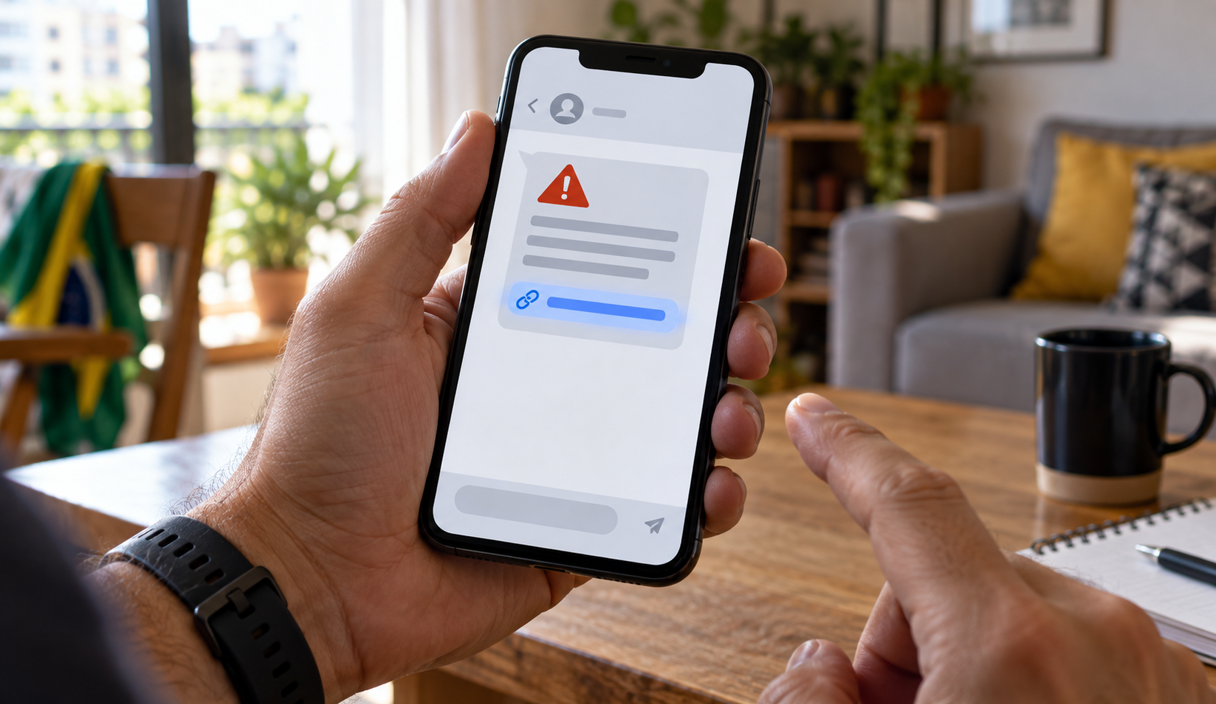
Phishing is a fake message or web page built to get you to hand over information, money, or access to an account. It arrives by email, text message, phone call, social media, a QR code, or a fake site that turns up in a search, almost always pretending to be a bank, a store, a government agency, or someone you know. Most of the time what gives the scam away is the request itself: a password, a code, a payment, or a link that has to be used right now.
What phishing is
The word comes from fishing, and the comparison is the whole idea: the scammer throws out bait, which is the message, and waits for someone to bite. The Cybersecurity and Infrastructure Security Agency describes the same pattern, and lists the signs that show up again and again: urgent language, a consequence claimed for not acting immediately, and a request that arrives out of nowhere.
What the sender wants is your Social Security number, your passwords, the one-time codes that confirm a login, your bank details, and your card numbers, so they can be used in a later fraud. The Federal Trade Commission covers the same ground for email and text messages. It is worth being clear about one item on that list: the code that arrives by text to confirm an access is worth as much as a password, because that code is how the service decides it is really you signing in.
Phishing is one form of social engineering, the name for the conversation and pressure that get a person to act against their own interest. It does not depend on bad spelling. A fake message can look carefully made, carry real details about you, and come with an explanation that makes sense.
It is also the most reported kind of internet crime in the country. In the FBI Internet Crime Complaint Center’s 2025 Internet Crime Report, phishing and spoofing was the most frequently reported crime type, with 191,561 complaints.
Warning signs
The FTC and CISA point at the same handful of signs. Be suspicious of a message that:
- asks for a password, a one-time code, or your bank or card details;
- says your account or a service will be suspended or closed immediately;
- offers a prize, a refund, or a payment you were not expecting;
- tells you to update your account information urgently;
- carries a shortened link, the kind of short address that hides where it goes, or an address that is not the one the company normally uses;
- uses alarming language so that you answer fast.
Bad spelling is on that list too, but clean writing proves nothing. A message can copy the wording and the look of a real company and still be fake, and it can use your first name because your first name is easy to find. For reading an address before you open it, see how to check if a link is safe.
The most common forms
Email was the first channel, but the same idea now shows up in several shapes. Some of them have picked up their own names. More useful than memorizing the names is recognizing the situation.
- The mass message: the same text goes out to thousands of people, something like your account will be suspended or you have a refund waiting, counting on a slice of them actually having that account or that pending item.
- The message written for you: it uses your name, your job, a recent purchase, or a conference you are attending. This one is called spear phishing, and instead of casting a net the scammer aims at one person. The details usually come from a company directory, a social profile, or a data breach.
- By text message or by phone: a scam text is called smishing, and one done by phone call is called vishing. The care you take is the same, but each channel has its favorite stories.
- A QR code that goes somewhere else: on a parking meter, a flyer, or inside a message, the code opens a fake page or a payment to a stranger. The same checks apply, and we cover them in our guide to QR code scams.
- A fake sponsored ad: it sits at the top of a search page or inside a social feed, imitating a store or a bank. Read the address shown in the result before clicking, not the name printed above it.
- A cloned page: a copy of the real site, at a similar address, that collects whatever you type. See how to spot a fake website.
The request tells you more than the look
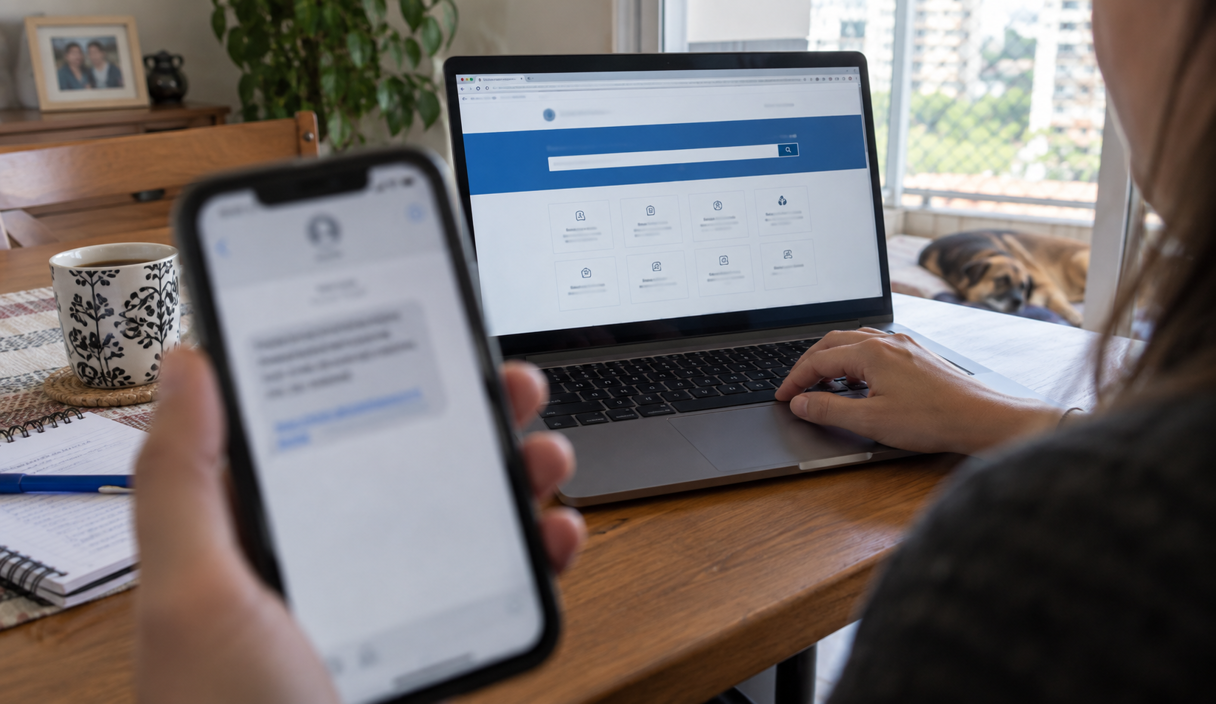
A message can carry a logo, a familiar name, and even personal information. None of that proves who sent it. Pay attention instead to the moment someone asks for a password, a code that just arrived on your phone, the installation of a program, a payment to a new account, or access through a link that came inside the conversation itself.
An example
At nine in the evening an email says your bank account will be suspended at midnight because your information was never updated. The button opens a page in the bank’s colors that asks for your account number and your password and then, at the end, for the code that just arrived by text. The page looks right and the writing has no mistakes. The address in the browser bar, though, is not the bank’s, and the short deadline is there so you do not have time to open the app and see that nothing is pending.
What to do when a message arrives
- Do not use the button, the link, or the phone number you received. Close the message without replying.
- Open the service yourself. Use the app that was already installed, or type an address you already know.
- Look for the situation inside your own account. Check whether the purchase, the charge, the delivery, or the login alert is really there.
- Read who is going to receive the payment or the information. If the name does not match what you expected, do not continue.
If the message claimed to be from the IRS, you can also forward it to the agency, which takes reports of tax-related phishing at its page on reporting phishing and online scams. A scam text can be forwarded to 7726, which spells SPAM on a phone keypad and sends the number to your wireless carrier, as the Federal Communications Commission explains in its guidance on unwanted robocalls and texts.
If you already gave up information or paid
Close the page and start with whatever can cause the most damage. The fault belongs to the person who built the fraud, and the useful thing now is limiting what can still happen.
- If you sent money, call your bank immediately. Report the transfer as fraud, say how you paid, and ask what recovery options exist on that payment type, because they are not the same for a card charge, a wire, and an instant payment to a person. The Consumer Financial Protection Bureau explains what to do about an unauthorized transaction on a bank account, and the Office of the Comptroller of the Currency covers fraudulent wire transfers. Speed matters more here than anything else you do today.
- If you entered card details, call the number on the back of the card. Ask for the charge to be stopped if it has not settled, and for a new card number. The FTC’s page on lost or stolen cards explains why a debit card leaves you less room than a credit card.
- Change the password you typed. Do it in the official app or site, and change it anywhere else you used the same one. Turn on two-factor authentication, which asks for a second code on top of the password, as the FTC recommends in its guidance on two-factor authentication.
- If you passed along a code, get into the account through the official route. Look for devices connected that you do not recognize, end those sessions, and contact the company through a channel you already use.
- If you installed a program because someone asked you to, it may be remote access software, the kind that lets another person see and control your screen from a distance. Disconnect that device from the internet and use a different one to call your bank and change passwords.
- Report it and keep the paper trail. File with the FTC at ReportFraud.ftc.gov and with the FBI’s Internet Crime Complaint Center, especially if money moved. If your personal information was exposed, IdentityTheft.gov builds a recovery plan for you. A police report is worth filing too, because banks and creditors often ask for one. Keep the message, the address of the page, the receipts, and every case number.
None of this is a reflection on the person who answered. These messages are written to look like the ones you already get, and they arrive on an ordinary evening, in the middle of everything else. Missing one is not carelessness. It is what the design is for.
Phishing FAQ
What happens if I just open a phishing email?
Opening the message is normally not the dangerous part. The risk is what comes next: tapping the link, entering a password or a card number, downloading an attachment, or replying with information. If you opened it and closed it, you are usually fine. Do not tap anything to test it, and do not use the unsubscribe link, which only confirms that the address is live.
How do I tell a real message from my bank apart from a fake one?
You do not decide it inside the message. Close it, open the bank’s app that you installed yourself or type the address you already know, and look for the same alert inside your account. A real notice will be there. A bank will also never ask you for your full password, a one-time code, or a transfer to a so-called safe account, so any message that does is fake no matter how it looks.
I gave away a one-time code. What now?
Treat it as if someone is already inside that account. Sign in through the official app or site, change the password, and look for the list of devices or active sessions and sign out anything you do not recognize. Turn on two-factor authentication if it is off, and if the account is your email, start there, because whoever controls your email can reset the rest.
Can a phishing message install something on my phone?
A message on its own does not. What happens is that the page it opens asks you to install an app or a configuration profile from outside the official app store, often described as a security tool or a tracking app. Decline any download you did not go looking for, keep your operating system updated, and if you already installed something like that, disconnect the device from the internet and use another one to reach your bank.
Is it worth reporting a phishing message if I did not lose anything?
Yes, and it takes a minute. Reports are how the pattern gets recorded and how the company being imitated finds out its name is in use. Forward a scam text to 7726, report the message inside your email app so the filter learns, file at ReportFraud.ftc.gov, and tell the real company through the contact page on its own site.
Keep reading

Impostor Scams: Government, Business, and Family Impersonation Explained
One mechanism behind many scams: someone you trust, a problem invented, and a payment that cannot be undone.
9 min readRead

Package Delivery Scams: Fake Notices, Fees, and Tracking Links
Why a small delivery fee is the whole point, and how to check a tracking number without touching the link.
9 min readRead

How to Report a Scam and Try to Recover Your Money
Where to report, in what order, what each agency does with the report, and what recovery realistically looks like.
9 min readRead