Is My WhatsApp Hacked? The Signs and What to Do First
Your WhatsApp account has probably been taken over if you were signed out without asking, if a linked device you do not recognize shows up in the app, or if WhatsApp tells you somebody tried to register your number. If messages are going out from a different number with your photo, that is a copied profile rather than your account. If the phone itself was lost or stolen, the line, the handset and your other accounts need protecting too. The same verification code trick works on Telegram and on email accounts, so what you learn here applies well beyond one app.
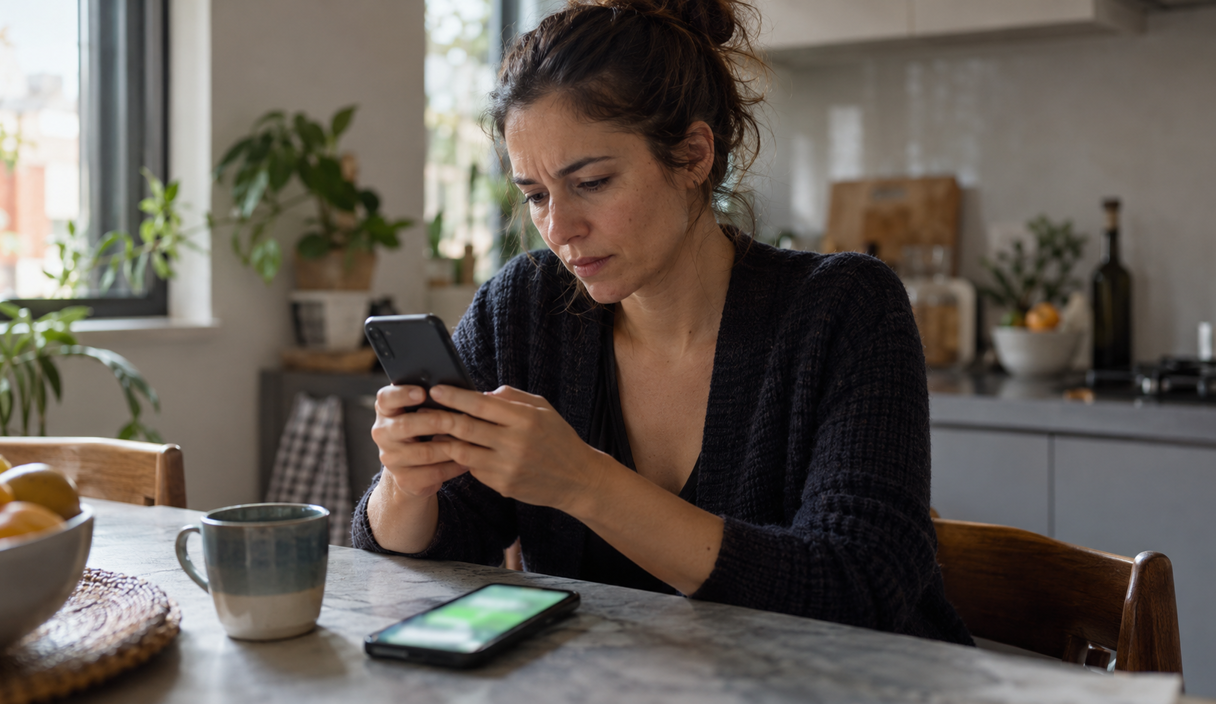
Three different problems share one name
People say their WhatsApp was cloned for three situations that need three different responses: the account taken over, the profile copied onto a different number, and the phone in somebody else’s hands. Telling them apart matters, because reporting the wrong account can lock you out of the one you are trying to get back.
| Situation | Sign | What to do |
|---|---|---|
| Account taken over | You are signed out without asking, a linked device you do not recognize appears, or WhatsApp warns that somebody tried to register your number | Register the number again, log out the unknown sessions, and warn your contacts |
| Copied profile | Contacts get messages from a different number using your name and your photo, while your own account keeps working normally | Warn your contacts on another channel and report the other number, not your account |
| Phone in someone else’s hands | The phone was stolen, lost, or left unlocked with somebody, or an app that lets another person see and control the screen was installed at the request of fake support | Protect the line and the handset, log out the sessions, and change the email and banking passwords |
WhatsApp is used less in the United States than iMessage and SMS, but the mechanism travels: whoever gets the six-digit code sent to your number can register that number on their own phone. The identical scam runs on Telegram, on email accounts, and on anything else that signs you in with a code by text.
Signs that somebody took over your account
No single sign explains every case, but some of them call for action the same hour:
- You were signed out without asking for it, and the app reopens asking for your number and a code.
- A verification code arrived that you did not request, sometimes several times in a row.
- Somebody asked you for that code, by message, posing as a friend, a delivery driver, a support agent, or a recruiter. The Federal Trade Commission describes this same move: a message that borrows a name you already trust and asks for something only you are supposed to have.
- Chats show as read when you did not open them, or messages you did not write appear as sent. Check first whether somebody who is supposed to have access uses the account on a device.
- Devices you do not recognize appear under Linked devices, inside the app itself.
- WhatsApp warned you that somebody tried to register an account with your number. The Help Center explains that the app sends that notice precisely to protect the account.
- The phone lost carrier signal out of nowhere and only works on Wi-Fi. That can mean your number was moved onto somebody else’s SIM, which hands them every code that arrives by text. Call your carrier from another phone and ask whether a SIM change or a transfer was made on your line. The FTC explains how a number gets moved that way, and the rest is in SIM swap scams.
Getting a code you did not ask for shows an attempt, not a finished takeover. Do not share the code with anyone. Being signed out when you did not change phones is the stronger sign, and that one calls for recovering the account right away.
An example
Close to midnight, Ray gets a text with a WhatsApp code he did not request. A minute later a message arrives from a number he does not know: “Sorry, I sent you a code by mistake, can you forward it to me?” He does not answer. He opens WhatsApp, goes to Linked devices, and finds only his work laptop, which he recognizes. Then he turns on two-step verification and goes on using the account.
To open that list on Android, tap the three dots at the top of the screen and then Linked devices. On iPhone, go to Settings and then Linked devices. These paths were checked in WhatsApp’s Help Center on September 22, 2026, and the names can change from one version of the app to another.
Read each entry before you leave the screen: a browser or a computer you use shows up with its device type and its last activity. If you do not recognize a session, tap it and then Log out. After that, look for messages sent, chats opened, or account changes you did not make, and warn anybody affected. If the account is already gone, go straight to WhatsApp account stolen: how to get it back.
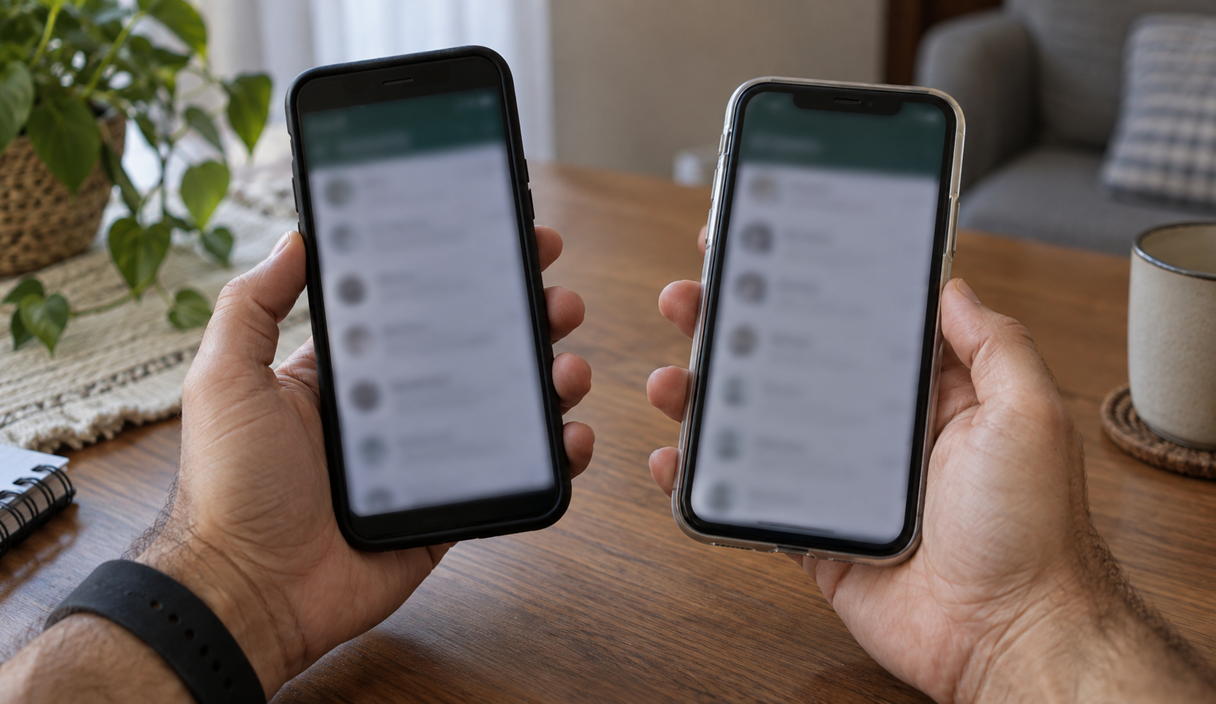
Signs that somebody copied your profile
Here you are still using your own account, and you can take a while to find out. The warning usually arrives from somebody who got a message from a number that was not yours.
- Somebody tells you they received a message from you on a number they did not have.
- People ask whether you changed numbers, or whether you are short of money.
- They mention a request you never made, usually a transfer, wrapped in a story that could not wait.
When that happens, warn people through a channel they recognize and report the other number inside the app. Your account is still yours; what is being used is a separate profile. That is a different action from reporting your own account when it has been compromised. The request that tends to come from one of these profiles is described in impostor scams, and the version aimed at older relatives is in grandparent scams.
If the phone was lost or stolen
Losing the phone does not by itself mean the account was registered somewhere else. The risk depends on whether the person can unlock the phone, use the line, open a session that is already running, or receive your codes.
In that case, protect the line, the SIM or eSIM, the handset, the banks and the email account. Use the find-and-lock tools and call the carrier. The order is in how to lock a stolen phone, and the FTC keeps a short list of what to set up on a phone before it goes missing.
If the person who took the phone could reach documents, card numbers or an account you were signed into, treat it as more than a lost handset. IdentityTheft.gov, the FTC recovery site, asks what was exposed and builds a step-by-step plan from the answer.
The same applies if somebody talked you into installing a support or remote access app that lets another person see and control your screen. Uninstall it, log out the WhatsApp sessions, and change the email and banking passwords from a different device.
What to do in the first few minutes
If you lost access, register your number again in the official app. WhatsApp’s guidance for a compromised account explains that entering the code received by text or phone call during that new registration signs the other person out.
- Register your number again and type the code only into the app. Do not send it to anyone, for any reason.
- Warn people on another channel that a request for money made in your name is not coming from you.
- Open Linked devices and log out every session you do not recognize.
- Turn on the extra protection your account offers. It is called two-step verification and uses a PIN or a password, depending on the version you have.
- Save what you can: the time, the messages that asked for the code, and the number they came from.
Do not report your own account before you have tried to recover it. The platform warns that doing so can get the account banned and make access or data preservation harder. Reporting is for a separate fake profile, not for the account you are trying to take back.
Already lost the account?
The full recovery steps, including what to do when the code does not arrive or the app asks for a PIN you never set, are in WhatsApp account stolen: how to get it back. If somebody already sent money, see instant payment scam: what to do.
How to lock the account down
Never pass along the code used to register your number. Two-step verification adds a second piece of information to the sign-in, so a stolen code on its own is no longer enough to register your number on another phone. The FTC explains the same idea for any account that signs you in with a code, and points out that a code by text is the weakest of the methods, because the number itself can be moved. WhatsApp has been moving from a PIN to a password, which is why two accounts can show different wording for the same setting.
To turn it on, go to Settings, Account, Two-step verification. On Android, Settings sits in the three-dot menu at the top of the screen. If the option is not on that path, use the search in the Help Center, because menu names move between versions.
- Pick something you can actually remember and add an email address only you control. With a verified email, WhatsApp can also send the registration code there when the text message does not arrive.
- Do not store the PIN or the password in a chat, including a chat with yourself, where anyone who gets into the account can read it.
- Never forward the registration code that arrived on your number. Type it only into the official app.
Turn the same protection on everywhere a code by text is the only thing between somebody and your account, starting with email. CISA, the federal cybersecurity agency, puts email, banking and social accounts at the top of that list. Which method is stronger, and what to set up first, is in two-factor authentication.
After you get back in, tell your contacts
While somebody controls the account, or runs a copy of your profile, they can use your name to ask people who trust you for money, codes, or personal details. Getting the access back does not replace telling them.
Do not put the warning off out of embarrassment. These scams are built to read like ordinary conversations, and the fault belongs to the person running the scam.
Once the account is yours again, check what went out in your name:
- A request for money that arrives by message gets confirmed somewhere else. Call the number you already had saved, not the new one in the conversation.
- A new number with a familiar photo proves nothing. The image can be copied from anywhere. WhatsApp lets you choose who can see your profile photo in the privacy settings.
- Ask something that helps confirm who you are talking to, without using information that is sitting in the conversation itself.
- Read the name on the receiving account before sending anything. If it is not the name you expect, stop the payment and reach the person another way.
WhatsApp account FAQ
How do I know if my WhatsApp was hacked?
Being signed out without asking, finding a linked device you do not recognize, or getting the WhatsApp notice that somebody tried to register your number are signs of a compromised account. Receiving a code you did not request shows an attempt, but does not prove on its own that the account is gone. Messages going out from a different number with your photo point to a copied profile instead.
I got a code I never asked for. Does that mean I already lost the account?
Not necessarily. The code shows that somebody tried to register your number. Do not share it with anyone, review the linked devices in the app, and turn on two-step verification so a code alone is no longer enough.
My phone suddenly lost signal. Could that be connected?
It can be. If somebody moved your number onto their own SIM, they start receiving the codes that arrive by text, including the one for WhatsApp. Call your carrier from another phone, ask whether a SIM change or a transfer was made on your line, and ask for the number back and for a port-out PIN on the account.
Is a compromised account the same thing as a fake profile?
No. In a compromised account, somebody gets into your own registration or into a linked session. In a fake profile, they use a different number with your name and photo while your account keeps working. Try to recover your own account before reporting it, and report the other profile when it is imitating you.
Does the extra protection always show up as a PIN?
No. WhatsApp has been changing that setting gradually, so it can appear as a PIN or as a password depending on the account. Look for two-step verification under Settings and Account, and add an email address you control so you have a second way to receive the registration code.
What do I do if I confirm an access I do not recognize?
Log the device out, turn on two-step verification, and warn your contacts if messages went out that you did not send. If you have already lost access to the account, register your number again in the official app and follow the recovery steps.
Sources
The guidance and the menu paths were checked on September 22, 2026, on these pages:
- WhatsApp: how to recover a compromised account, including the registration warning
- WhatsApp: about linked devices
- WhatsApp: about registration and two-step verification
- WhatsApp: how to change your privacy settings
- Federal Trade Commission: how to recognize and avoid phishing scams
- Federal Trade Commission: use two-factor authentication to protect your accounts
- Federal Trade Commission: SIM swap scams, how to protect yourself
- Federal Trade Commission: how to protect your phone and the data on it
- CISA: turn on multifactor authentication
- Federal Trade Commission: IdentityTheft.gov
- Federal Trade Commission: report fraud
- FBI: Internet Crime Complaint Center
Menu names inside the app change between versions. When a path here does not match what is on your screen, the Help Center search is the one to trust.
Keep reading

WhatsApp Account Stolen: How to Get It Back Right Now
The new registration, the code that does not arrive, the warning to contacts, and what to do if money moved.
11 min readRead
SIM Swap Scams: Warning Signs, Immediate Steps, and Prevention
Losing signal for no reason can be the first sign. The carrier call, the account lock, and the port-out PIN.
11 min readRead

Impostor Scams: Government, Business, and Family Impersonation Explained
One mechanism behind many scams: someone you trust, a problem invented, and a payment that cannot be undone.
11 min readRead