How to Find Your IMEI Number and When You Need It
To find your IMEI, open the phone app and dial *#06#: the number shows up on screen, usually without placing a call. It is also in Settings on Android and on iPhone, and on the label of the box the phone came in. A phone that takes two lines can have two IMEIs. Keep the numbers somewhere outside the phone, because that is what you need to report a device as stolen and to check a used phone before you buy it.
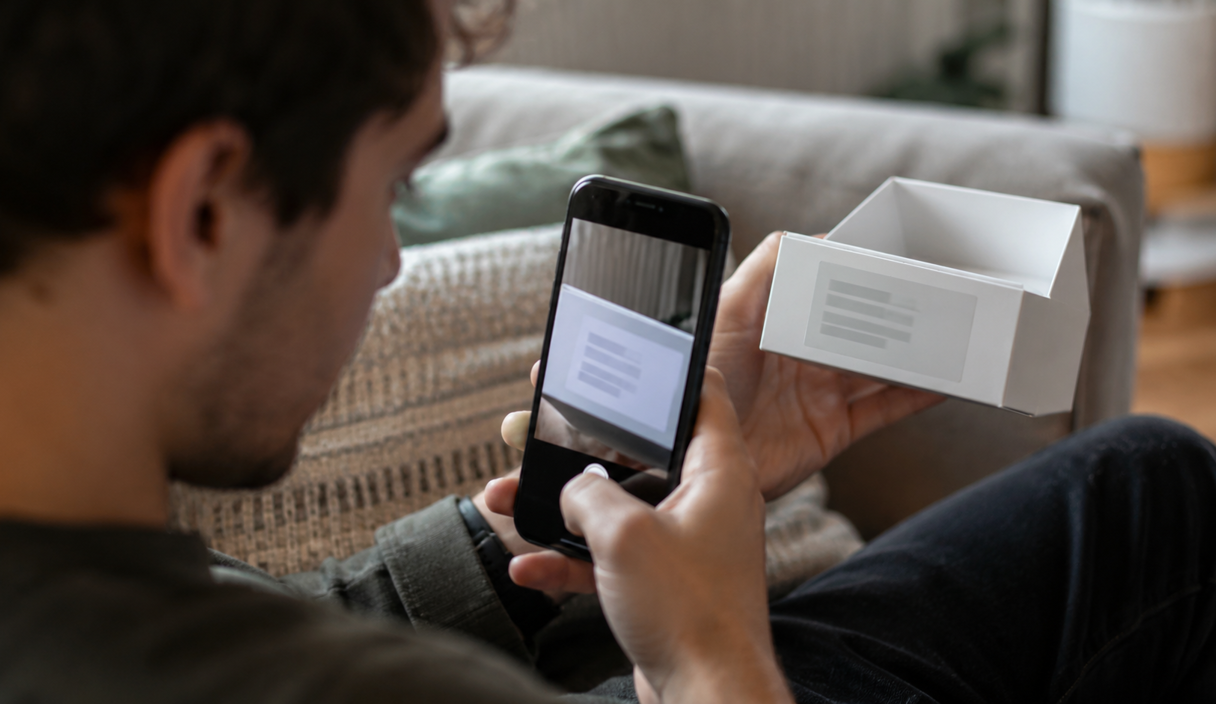
What an IMEI is
An IMEI is the identification number of the phone itself. It is not your phone number, it does not change when you swap the SIM card, and it is not the same as the model or serial number. It works the way a VIN works on a car: the plates can change, the number that belongs to the vehicle does not.
That number is what a carrier uses when you report a device lost or stolen, and what a lookup service checks when you want to know whether a used phone was already reported by somebody else. Writing it down somewhere other than the phone means you are not hunting for it at the worst possible moment.
The distinction people miss
The IMEI identifies the hardware. Your phone number identifies the line. Reporting one does not report the other, and neither one locks the screen or signs anybody out of your apps. They are separate requests, made to different places.
Find it with the phone dialer
Open the phone app and dial *#06#. On most phones the IMEI appears on its own, without starting a call; on a few you have to press the call button. Write down every number shown and close the screen.
That code only displays information on your own device. Do not dial it because a stranger on a call asked you to, and do not post a photo of that screen in a public group or in a listing.
Check Settings and the box
On Android, open Settings and tap About phone. On some brands and older versions the IMEI sits one tap further in, under Status or Status information. On iPhone, the path is Settings, then General, then About, and you may have to scroll down to reach IMEI, according to Apple. Menu names change between versions, so treat these as the usual path rather than the only one.
The IMEI is also printed on the label of the original box, next to the barcode, and on some models on the SIM tray or the back of the phone. Compare the number on the box with the one on screen, above all in a used sale. A box from a different phone proves nothing about the phone in your hand.
How to find your IMEI without the phone
Most people go looking for the IMEI after the phone is already gone. Even without it in your hand, there are a few places where the number is on record:
- Android, through Google: open android.com/find in a browser, sign in with the Google Account the phone used, and open the device details next to its name. The same information is in the find-my-device app on another Android phone, as Google’s help pages describe. The name of the app varies with the version of Android.
- Samsung phones, through SmartThings Find: sign in with the Samsung account, tap the three dots next to the device, and open the device information.
- iPhone, through your Apple Account: go to account.apple.com, sign in with the account the iPhone used, open the Devices section, and choose the phone. On another Apple device signed in to the same account, the path is Settings, your name, then the device in the list.
- The box and the receipt: the IMEI is usually on the barcode label of the packaging, and often on the purchase receipt or the carrier invoice.
- Your carrier: when you call to report the phone stolen, the carrier can normally locate the IMEI from your phone number, the date and time, and your account details.
Why two numbers can show up
Phones that take two lines can show IMEI 1 and IMEI 2, including when one of them is an eSIM, the digital version of a SIM card that lives inside the phone. Write down both. When you report a device as stolen, give the carrier every IMEI it has, even the one that belongs to a SIM slot you never used.
Where to keep it and when you need it
Save the numbers in a password manager, in a document you control, or on paper kept at home. Do not let the only copy live in a note inside the phone itself.
The IMEI matters at two moments: when you want to check whether a device has been reported lost or stolen, and when you report yours and ask the carrier to block it on the network. Blocking the handset does not lock your line, your accounts, or the screen. What to do first, and in what order, is in how to lock a stolen phone.
Blocking the handset is not the same as suspending the line
Those are two separate requests to your carrier, and a stolen phone usually needs both. The FCC’s consumer guide on protecting your smart device says to report the theft or loss to your service provider, ask for the device to be disabled, and ask for written confirmation that you reported it. It also says to record the device identification number in advance and give it to local law enforcement, asking that the device be added to the blacklist. The major wireless providers, working with the FCC, keep a shared stolen phone database, so a device registered as stolen with one carrier is meant to be refused by the others as well.
What none of that does is touch your accounts. A blocked handset is still signed in to your email, your photos and your banking app until you sign those sessions out yourself, and blocking it does not change a password, stop a payment or locate the phone.
This is the reason to write the numbers down while the phone is still in your hand. Afterward you no longer have the screen that shows the IMEI, and you are left looking for the box, the receipt or an account you can still reach from another device, usually while you are on hold with somebody who is asking you for the number right now.
Before you buy a used phone
Run the IMEI through a lookup before any money changes hands. CTIA, the trade association of the U.S. wireless industry, runs a free check at stolenphonechecker.org that says whether a device has been reported lost or stolen to participating carriers. On a phone with two lines, check both IMEIs.
A clean result shows what was on record at that moment. It does not prove on its own that the sale is legitimate: a phone nobody reported, or one reported the day after you check, comes back clean too.
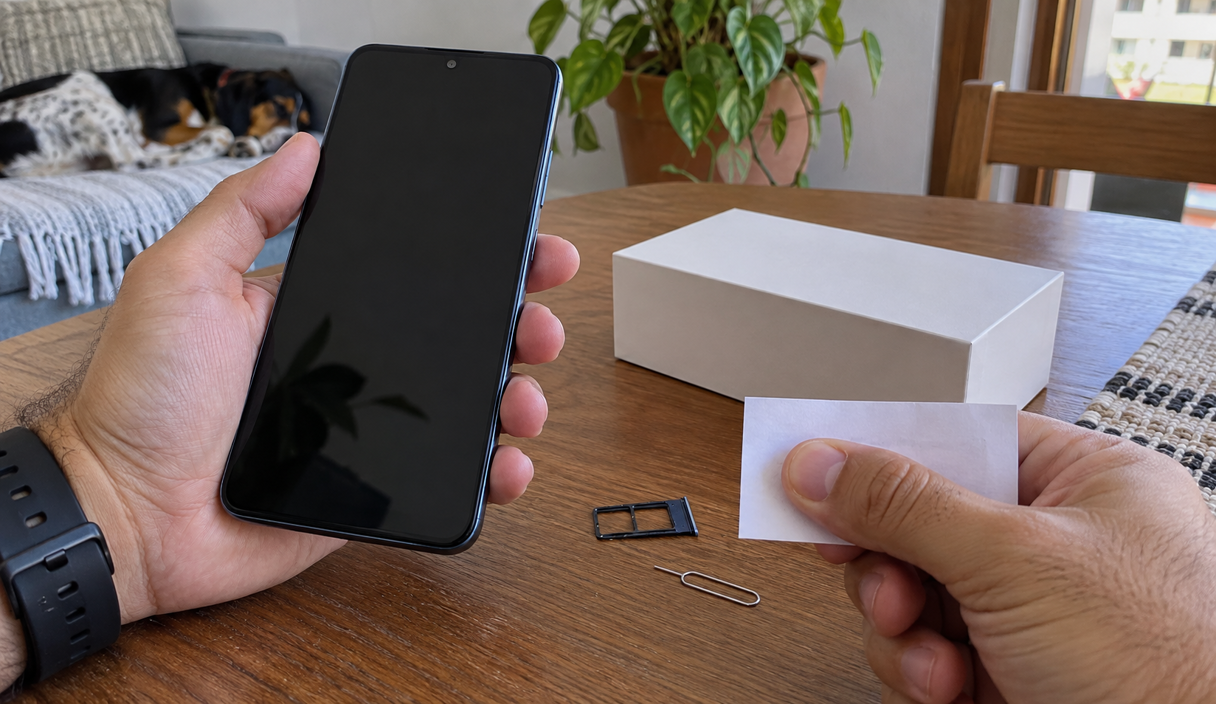
An example
A used phone shows up in a listing at a good price, with the box and the charger. At the meeting, the buyer dials *#06# and compares it with the label on the box: the IMEI is a different number. The seller says he mixed up the boxes during a move and keeps repeating that he has to sell today. The box does not belong to that phone, so it proves nothing about it, and the buyer walks away.
Ask for the original receipt, and treat a price far below normal, a rush to close, and a refusal to explain where the phone came from as reasons to stop. Before you pay, check that the phone is signed out of the previous owner’s account: a device still tied to an Apple Account or a Google Account can stay locked to that person no matter what you paid for it. The FTC’s advice on shopping online applies to a private sale too: pay with a method that leaves you something to dispute, and keep the listing, the messages and the receipt.
If the listing has photos, a reverse image search shows whether they were lifted from somewhere else. If the seller is a store rather than a person, see how to check if a company is legitimate before paying.
If the sale already went wrong and the money is gone, the FTC page on what to do if you were scammed goes through what each payment method still allows. Report the seller to the FTC at ReportFraud.ftc.gov and, if you lost money, to the FBI’s Internet Crime Complaint Center.
IMEI FAQ
Is the IMEI the same as the serial number?
No. A phone carries both, and they are different numbers. The IMEI identifies the device on cellular networks, which is why it is the one your carrier and the police ask for. The serial number is the manufacturer’s own reference, used for warranty and repair. Your phone number is a third thing again, and it belongs to the line rather than to the handset.
Is it safe to give out my IMEI?
Give it to your carrier, put it in the police report, and type it into a lookup page you opened yourself. There is no reason to publish it in a listing, post it in a group, or read it out to somebody who called you. It is not a password, but it is an identifier tied to your device, and nothing is gained by spreading it.
Does the code work on every phone?
On nearly all of them. Most phones show the number as soon as you finish dialing, without placing a call; on a few you have to press the call button. If nothing appears, the number is still in Settings, on the label of the box, and on some models on the SIM tray or the back of the phone.
Can I still find the IMEI after the phone is gone?
Usually yes. The box label and the purchase receipt carry it, your Google, Samsung or Apple account lists it in the device details, and your carrier can normally locate it from your account details when you call to report the phone stolen.
Does blocking the IMEI lock my accounts or erase the phone?
No. Blocking the handset keeps it off carrier networks. It does not sign anyone out of your email, does not change a password and does not wipe what is stored on the device, which are separate steps you take yourself. If personal documents were on the phone, IdentityTheft.gov is where to start a recovery plan.
The used phone I want comes back clean in the lookup. Is the sale safe?
It means nobody had reported that device to a participating carrier at the moment you checked. A phone that was stolen and never reported, or reported the day after you looked, comes back clean too. Keep the rest of the check: compare the number on the box with the one on the screen, ask for the receipt, and make sure the phone is signed out of the previous owner’s account.
Sources
The menu paths and the lookup were checked on September 22, 2026, on these pages:
- Apple: find the serial number or IMEI on your iPhone or iPad
- Google: find, secure, or erase a lost Android device
- CTIA: Stolen Phone Checker
- Federal Communications Commission: protect your smart device
- Federal Trade Commission: shopping online
- Federal Trade Commission: what to do if you were scammed
- Federal Trade Commission: ReportFraud.ftc.gov
- FBI Internet Crime Complaint Center
- Federal Trade Commission: IdentityTheft.gov
Anything a page does not state, this article does not either. Where a menu name has moved, the version on the manufacturer’s page is the one to follow.
Keep reading

How to Lock a Stolen Phone and Protect Your Accounts
The order of the first hour: the handset, the line, the bank, the email account, and the police report.
9 min readRead

SIM Swap Scams: Warning Signs, Immediate Steps, and Prevention
Losing signal for no reason can be the first sign. The carrier call, the account lock, and the port-out PIN.
9 min readRead

How to Know If Your Phone Is Hacked and What to Do
Which symptoms actually mean something, how to check, and the order of the cleanup.
9 min readRead