How to Tell If Something Is a Scam: Warning Signs and Where to Check
A situation deserves more care when it combines pressure, a request for money, a password or a code, and a contact you were not expecting. To tell whether it is a scam, do not use the link, the number, or the details that came in the message. Look up the official channel for whoever claims to be contacting you, and check the story there.
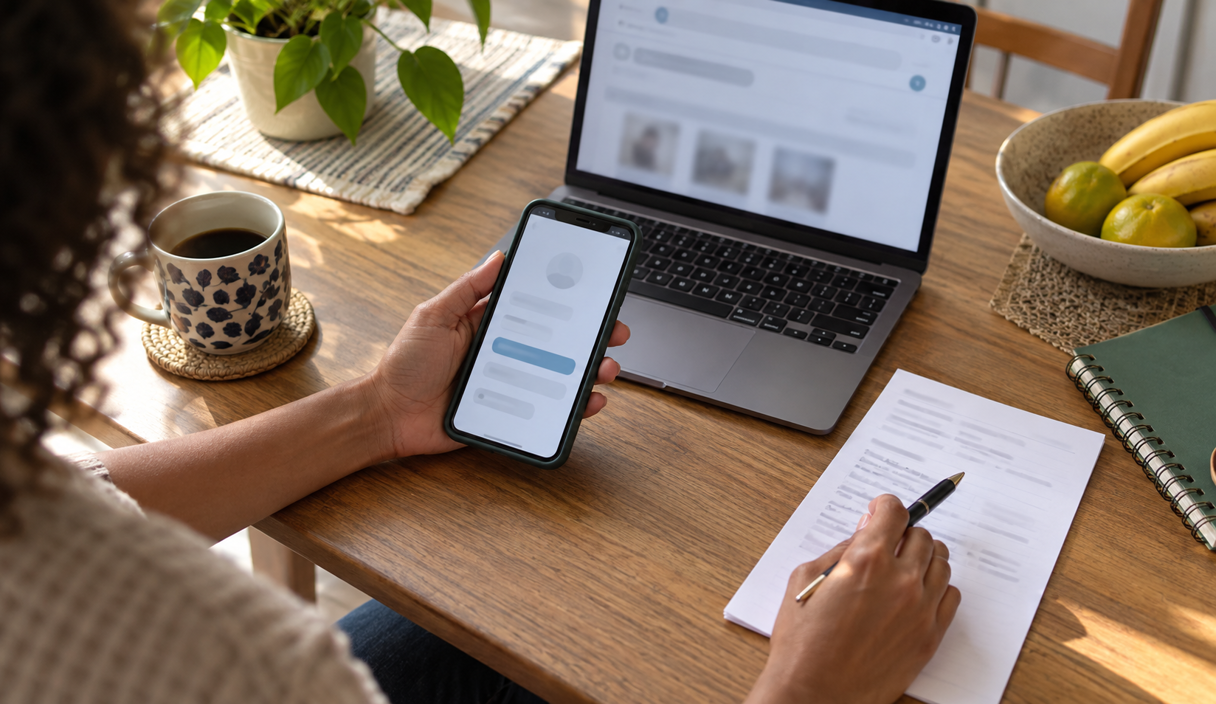
This guide is for a situation happening right now: a message, a call, a store, or an offer of money, with a decision waiting. For the habits that come before anything happens, see how to avoid getting scammed.
What to do while you decide
- Do not click, pay, or share a code while the doubt is still there. A legitimate request is still valid in ten minutes. Nothing real is lost by checking.
- Leave the channel that reached you. Find the site, the app, or the phone number yourself, without using the link or the number in the message.
- Read who is receiving the money. Every payment screen shows something about the destination. If it has nothing to do with the story you were told, do not send it.
- Show the situation to someone you trust. A person outside the conversation, without the pressure in it, usually spots the part that does not fit faster than you will.
Warning signs and where to check, by situation
No single sign proves a scam, and the absence of signs does not prove anything is safe. What follows is what tends to show up in each kind of situation, and where to check it without relying on the contact you received.
- A text or an email: a link, a short deadline, a threat of suspension, a prize, or a request for a password or a code. Check in the app or on the site you opened yourself.
- A phone call: someone says they are from your bank, describes a charge you did not make, and asks for a code, a transfer, or an app install. Hang up and call the number on the back of your card, from a different phone if you can.
- A website or a store: a price far below normal, payment only by methods that cannot be reversed, an odd address, a business you cannot find anywhere else. Check the address you typed in yourself, and look at the payee name before you pay.
- A money request from someone you know: a new number, urgency, a reason they cannot take a call, and an account in a different name. Check on the number you already had saved, or in person.
- An app, a paid task, or an offer of easy earnings: a high or guaranteed return, a deposit to start or to withdraw, and a group that pressures anyone who hesitates. Check the registration with the SEC and FINRA before any money moves.
A text message or an email
A fake message usually borrows the name of a bank, a store, a delivery company, or a government agency, and asks for something quick: pay a fee, update an account, unlock something. The sender name and the from address are both chosen by whoever sends them, so neither one proves anything about who wrote it.
Open the app yourself or type the official address, and see whether the same notice exists there. The FTC lists the recurring tells in its guidance on recognizing and avoiding phishing scams, and the FCC covers the text message version in its guidance on smishing.
If it arrived by text, you can forward it to 7726, which spells SPAM on a keypad, to report the sending number to your carrier. Our guides go deeper in what smishing is, how to spot a fake email, and fake bank text messages.
A phone call
In the fake bank call, the person says there is a suspicious charge and asks for a code, a transfer to a safe account, or an app install. The number on your screen can be faked, so it is not evidence of who is calling. The FCC covers that under unwanted calls and caller ID spoofing.
Hang up and call the number on the back of your card. Use a different phone where possible, since in some versions the caller stays on the line. The instruction to move your money somewhere safe is itself the scam: the FTC says no real agency or bank asks for that in its guidance on government impersonation.
The full walkthrough is in what vishing is, the name for scams run over a phone call.
A website or an online store
A fake store usually pairs a price far below normal with pressure to buy now and a narrow set of payment options, all of them hard to reverse. Before you pay, read the address in the browser bar, look for the business somewhere other than its own site, and check the payee name on the payment screen against the store name.
Pay with a credit card where you can. The FTC explains in its guidance on shopping online that the payment method is part of your protection, not a detail, and a card charge has a dispute process behind it that a wire or a payment app transfer does not.
The step-by-step checks are in how to spot a fake website, how to check if a company is legitimate, and online shopping scams.
A money request from someone you know
The scammer uses the name and photo of someone close to you, sometimes from a new number, sometimes from that person’s real account after it was taken over. The story is urgent and usually includes a reason they cannot get on a call.
Before paying, call the number you already had saved, or reach the person another way you know works. A voice is not proof either: the FTC has warned that scammers use AI to make family emergency stories more convincing, including cloned voices.
If the account itself was taken over, the signs and the recovery steps are in how to tell if a messaging account was hacked and what to do when a messaging account is stolen. The version aimed at older relatives has its own guide in grandparent scams.
An app, a paid task, or an offer of easy earnings
This question usually arrives once money is already inside an app or a group chat. The answer does not come from the name of the app, which changes constantly. It comes from what the app asks for. Four different situations tend to travel under the same label.
- A company offering credit or another financial service: look it up with your state financial regulator or your state attorney general, and check for complaints at the CFPB. Finding a real company confirms the company, not the ad, the profile, or the person who messaged you.
- An app that charges before releasing money: do not pay to receive a loan, a withdrawal, a commission, or a balance shown on a screen. A new charge to unlock an older amount increases the loss and proves nothing about whether the release will happen.
- A promise of investment returns: check the person and the firm at FINRA BrokerCheck and at the SEC’s investor.gov. The registration has to match the activity being advertised.
- An imitation of a real business: a scammer can use the name, logo, and registration details of a company that genuinely exists. Leave the conversation and look up the official contact details yourself before sending money.
Even with a real, registered company, finding the name is not the end of the check. The SEC’s guidance on avoiding fraud tells investors to confirm contact details and payment instructions against official records, because impersonating a registered firm is a known tactic. If anyone blocks that check, changes the details mid-conversation, or insists you pay first, stop there.
The task scam
An example
Someone gets a message offering extra income for rating products and liking videos. Each task pays a few dollars, and the money really does arrive. After a few days she joins a group chat where other members post screenshots of their earnings. Then comes the special task: to unlock a larger payout she has to top up 300 dollars. The balance on screen rises to 450, but withdrawing it requires moving to a VIP tier, which needs another deposit.
The shape is consistent. Small real payments come first, to establish that the app pays. Then a task requires money up front, with a promise of getting it back the same day, and the balance on screen becomes the reason to keep going. The FTC covers the recruiting side of this in its guidance on job scams, and the FBI lists the same pattern among common frauds and scams. The signals that repeat:
- small payments for liking, following, or rating, made right at the start;
- a balance that grows on screen but can only be withdrawn after a top-up;
- tiers or VIP plans that promise more per task in exchange for a deposit;
- a fee, a tax, or an unlock charge demanded before a withdrawal;
- a group chat where other members post proof of earnings and push anyone who hesitates;
- an app installed from a link or a file rather than from the phone’s official store.
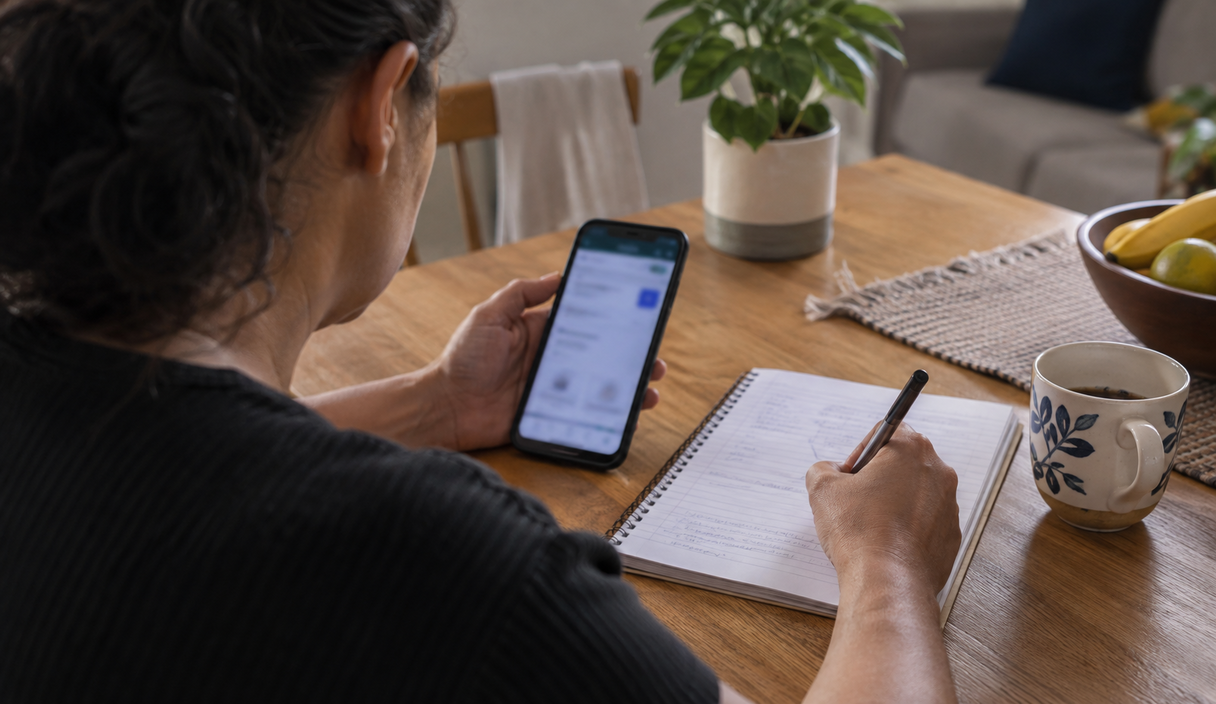
Does a small first withdrawal prove anything?
It proves that one payment arrived. Early payouts can be funded by the deposits of people who joined later, which is how the SEC describes a Ponzi scheme: returns paid from new money rather than from anything the scheme produces, until it can no longer pay.
That is also why a program that pays mainly for recruiting new participants deserves extra caution. Someone who recommended the app to you may believe in it because their own withdrawal worked, without ever intending to mislead anyone. If you invited someone and have started to doubt it, tell them plainly and without blame, and explain what changed your mind.
Do not deposit to release a withdrawal
If you are asked for a fee, an advance tax, insurance, or any other payment to release money shown on a screen, do not pay it. Do not send new money to try to recover what you already sent. That second request is where most of the loss happens.
If you already paid or deposited
- In the first hour, call your bank or card issuer. Use the number on your card, say the payment was fraudulent, and ask whether anything can still be stopped. For an instant transfer, a payment app, or a wire, speed is the only part you control, and what to do after an instant payment scam covers what banks can and cannot do.
- Do not make another payment. That includes any fee, tax, top-up, or charge presented as the way to release a withdrawal.
- Try to withdraw the balance without paying anything first, and without sending new documents, selfies, or passwords.
- Save the evidence. Keep the ad, the conversations, the receipts, the withdrawal rules, and screenshots of the balance. Every report will ask for them.
- File the reports. Use reportfraud.ftc.gov and, if you lost money, ic3.gov. File a police report too, since banks and insurers often ask for one.
- Tell anyone who joined on your recommendation so they stop depositing.
Looking for a way to earn money, or answering a request from someone who seemed familiar, does not make anyone responsible for a scam. These stories are built to look real, often with ads, group chats, and small early payments doing the work. The responsibility belongs to the people who built the scheme.
Where to report it
- Any scam, whether or not you lost money: the FTC at reportfraud.ftc.gov. The FTC does not resolve individual cases, and it says so, but the reports feed law enforcement databases.
- Anything with money lost online: the FBI Internet Crime Complaint Center at ic3.gov. Details reported early are the ones that can still be acted on.
- An investment offer: the SEC takes tips at its tip and complaint page, and FINRA and the CFTC take complaints in their own areas. Reporting does not get money back, and none of them will promise that.
- A bank, a lender, or a payment app: the CFPB at consumerfinance.gov/complaint, which forwards the complaint to the company and asks for a response.
- Identity details exposed: start the recovery plan at identitytheft.gov.
- An account or profile impersonating someone: report it inside the app or platform itself, and tell the person being imitated so they can warn their contacts.
Our guide to how to report a scam covers the order to do this in and what each agency actually does with a report.
Is it a scam FAQ
How can I tell if something is a scam?
Look at whether the situation combines pressure, a request for money, a password or a code, and a contact you were not expecting. Then check the story through an official channel you found yourself, without using the link, the number, or the details in the message. Before any payment, read who is receiving it.
I got a message from my bank. How do I know if it is real?
Do not click the link or call the number in the message. Open your banking app or call the number on the back of your card, and see whether the same alert exists there. A real bank will not need your password or a one-time code, and it will never ask you to move your money to a different account for safekeeping.
I received my first withdrawal. Does that mean the app is legitimate?
It means that one payment went through. It does not mean larger amounts will be released later, and early payouts can be funded by deposits from people who joined after you. Before putting in more, check who runs the app, where the money is supposed to come from, and what the rules are for withdrawing the full balance.
They are charging a fee to release my withdrawal. Should I pay it?
No. A charge to release money that already appears on your screen is one of the clearest warning signs there is. Try to withdraw without paying anything, keep the messages, and if you already paid, call your bank immediately and report it at reportfraud.ftc.gov and ic3.gov.
The app is in the official store. Does that make it safe?
No. Installing from an official store lowers the risk of a malicious file arriving through a link, but it says nothing about whether the earnings or the investment being offered are real. If you have doubts, report the app inside the store and check any investment claim at BrokerCheck and investor.gov.
Why does Prudents not name specific apps?
Because accusing a company requires our own investigation, and we do not publish that without it. Names also change constantly, while the requests and the signals described here stay useful for judging the next offer.
Sources we checked
The services, rules, and reporting channels in this article come from these pages:
- Federal Trade Commission: how to recognize and avoid phishing scams
- Federal Trade Commission: how to avoid a government impersonation scam
- Federal Trade Commission: shopping online
- Federal Trade Commission: job scams
- Federal Trade Commission: scammers use AI to enhance family emergency schemes
- Federal Communications Commission: avoid the temptation of smishing scams
- Federal Communications Commission: stop unwanted robocalls and texts
- Securities and Exchange Commission: check out your investment professional
- Securities and Exchange Commission: how to avoid fraud
- Securities and Exchange Commission: types of fraud
- FINRA BrokerCheck
- Federal Bureau of Investigation: common frauds and scams
- Consumer Financial Protection Bureau: submit a complaint
- USAGov: state attorney general directory
Keep reading
How to Avoid Getting Scammed: Checks to Run Before You Click or Pay
Seven habits that take the pressure out of a request and move the check outside the message.
12 min readRead

The Most Common Online Scams: Five Situations and What to Do
Fake bank, fake family emergency, fake delivery fee, fake support, fake prize. Five stories, one request underneath.
12 min readRead

Investment Scams: Red Flags, Verification Steps, and Where to Report Them
How to check a registration before investing, and the promises that no legitimate offer makes.
12 min readRead